Reading Emails Using Python

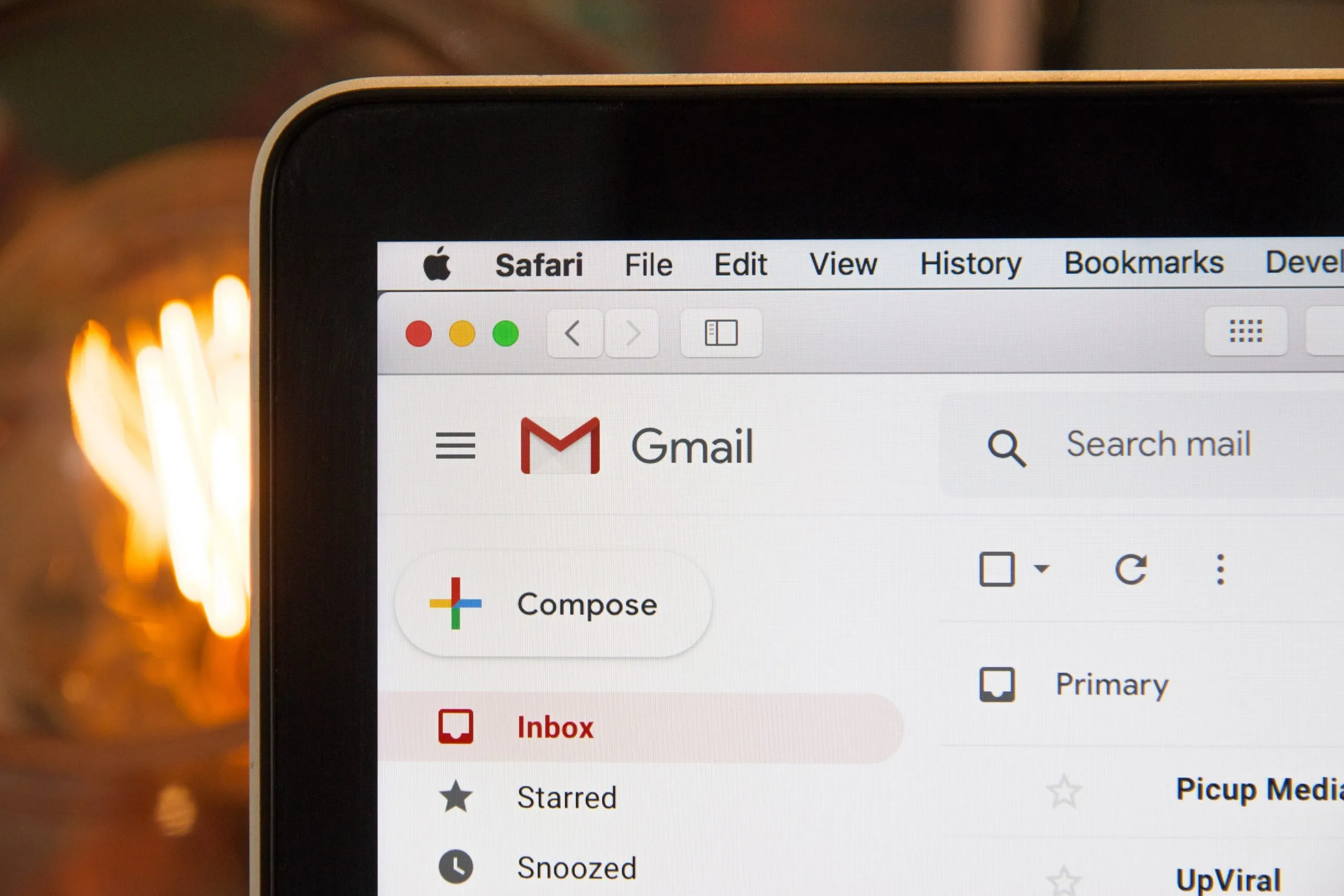
Automate reading and parsing emails in Python using the imaplib and email modules.
Table of Contents
Useful Links
Introduction: Parsing Emails
I recently had a project where I had to parse some emails in order to get a verification code from a “signup email”. I always seem to forget how hard it is to parse emails in Python because there is simply no easy and straightforward way to do it. All emails have a different setup, type of encoding, and multiple other unpredictable variables. I am writing this as a guide because there are no recent “working” examples that I could find online, so hopefully, someone will find this helpful.
Step 1: Logging in
class Inbox:    def __init__(self, username, password, smtp):        self.server = self.login(username, password, smtp)
    def login(self, username, password, smtp):        print(f"Connecting to {smtp}...")        server = poplib.POP3_SSL(smtp)        print(f"Logging in...")        server.user(username)        server.pass_(password)        print(f"Logged in as {username}!")        return server
We can use the code above to create an instance of the server in order to be able to access the messages:
inbox = Inbox("WidePython", "yZ*vAwfEEnqbpB6UuD9%", "pop.gmail.com")Step 2: Parsing Those Bytes
This is the most important part of the process because it has the biggest potential for error. You can accidentally miss emails or incorrectly parse them so it’s important to understand what’s going on. First, we get the message_ids in order to be able to retrieve specific messages later on. Next, we retrieve each message by its corresponding message_id, joining the message with '\n' is necessary in order to be able to successfully parse the message. Note it’s b'\n', not '\n' because we are still in bytes. We can use Python’s builtin email library to parse the bytes using the class BytesParser().
We can write a function to collect all our raw messages and format them to be parsed:
def get_raw_messages(server): message_ids = [int(message_id.split(b" ")[0]) for message_id in server.list()[1]] raw_messages = [b"\n".join(server.retr(message_id)[1]) for message_id in message_ids] return [parser.BytesParser().parsebytes(raw_message) for raw_message in raw_messages]At this point if you print out the messages you will get something that sort of resembles an email with a lot of stuff that looks like this:
Received: by 2002:ab3:5083:0:0:0:0:0 with SMTP id e2csp785786lte; Sat, 21 Jan 2029 11:50:21 -0700 (PDT)X-Google-Smtp-Source: ADFU+vsF8Fp3AsCICQt43svv8PuifB0k7Qw/DmF6hTA+[...]X-Received: by 2002:a17:90a:604f:: with SMTP id h15mr15169640pjm.183.1584816621108; Sat, 21 Mar 2020 11:50:21 -0700 (PDT)ARC-Seal: i=1; a=rsa-sha256; t=1584816621; cv=none; d=google.com; s=arc-20160816; b=[...]ARC-Message-Signature: i=1; a=rsa-sha256; c=relaxed/relaxed; d=google.com; s=arc-20170816; h=content-transfer-encoding:mime-version:subject:message-id:to :reply-to:from:date:dkim-signature:dkim-signature:dkim-filter; bh=nxz6TiUpCXUC7FP9XJfW3l4zgyDcbTkyiqTFEHLnMLI=; b=[...]Step 3: Separating the Email Contents
Although these emails seem nasty when using print(), we can actually start to separate them:
def separate(message): mail_from = message["From"] mail_to = message["To"] subject = message["Subject"] print(f"Message from {mail_from} to {mail_to} titled: {subject}")You will now get something much nicer and more familiar when looking at a message:
"Message from 'No Reply Example' <no-reply@example.com> to person@example.com titled: Read this email"Step 4: “Walking” the Message
The next task is to get the body of the message, which is much more difficult than it seems. Each message has a different amount of bodies, with a different encoding, in different places. This is where Python’s walk() method comes in handy. We basically cycle through the email, parsing the content appropriately as we go. Keep in mind that they are mainly formatted in some kind of HTML document, requiring further parsing if you want specific contents in the email. I will provide a basic example of that later on using BeautifulSoup.
Here we can use quopri to decode the message strings with their appropriate encoding:
def get_message_body(raw_message): return b"".join([quopri.decodestring(part.get_payload(decode=True)) for part in raw_message.walk() if part.get_payload(decode=True) is not None])Searching HTML Messages
Let’s write a few functions to do some common tasks:
Say we want to search the message bodies for a specific link (ex: for email verification):
def html_search(body, element): soup = BeautifulSoup(str(body), 'html.parser') return body.select_one(element)link = html_search(message_body,'a') # message_body -> from our get_message_body functionprint(link.get('href')) # First link found in the emailOkay, so we can find a link within a message, but how about finding the specific message we know contains the link?
We can do this by searching for email subjects with a specific “subject” in mind, for example, if I am looking for a verification email, I can use search for “Verify your email”. Of course, this might be different in your case, but it’s the same concept:
def subject_search(messages, key): found = [] for message in messages: if key in message["Subject"]: found.append(message) return foundThank you for reading, I hope at least some of these examples helped. If you need anything at all feel free to comment or contact me and I will do my best to help! If there is anything else you would want me to write about concerning Python and emails, let me know!